Use a clear front-facing photo when you want facial identity and expression to stay recognizable.
AI selfie editor
Turn selfies into calm AI portraits
Shape an ordinary selfie into a composed portrait with quiet presence, inner depth, and a subtle sense of mystery.
Upload selfieChoose presenceExport portrait
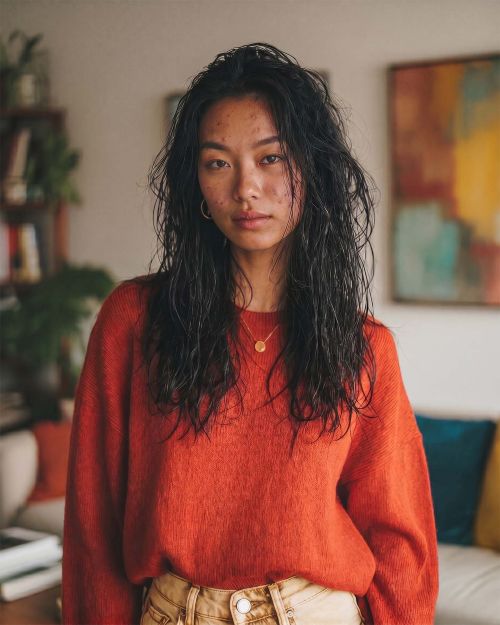


Before / after
BeforeAfter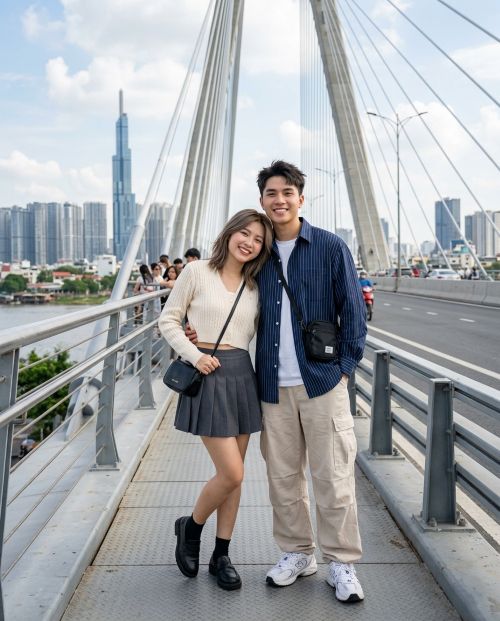 Before
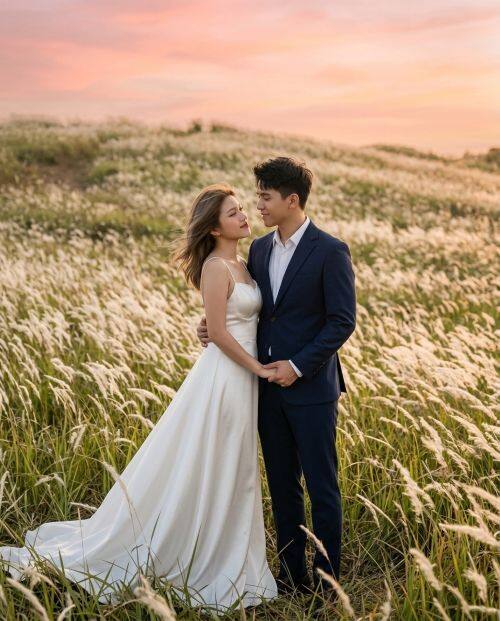 After
After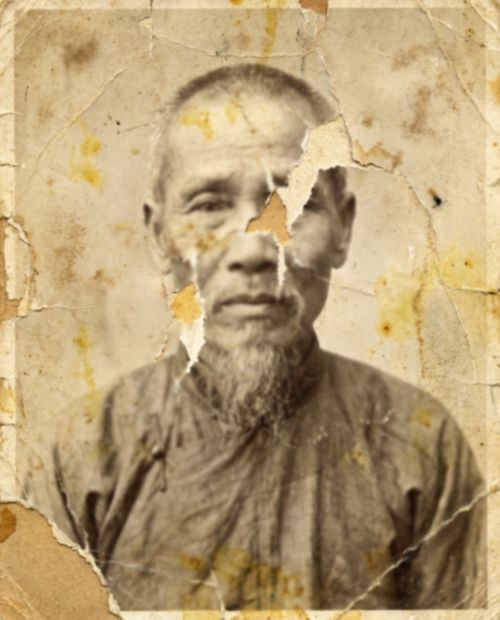 Before
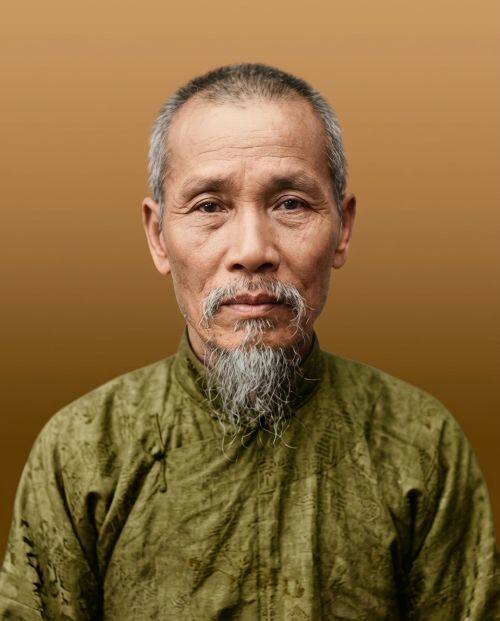 After
AfterHow it works
Select calm studio, soft cinematic, editorial, or mysterious portrait directions instead of loud filters.
Download a composed portrait for profiles, social identity, creator pages, or personal branding.
Best selfie inputs for stronger AI portraits
Use a selfie with visible eyes, brows, and jawline so the AI can preserve identity while shaping a calmer visual mood.
Phone selfies are enough, but natural light makes it easier to build composed contrast, skin tone, and background separation.
Photos that do not crop the face too tightly give the portrait editor more room for studio framing and quiet presence.
Why people use an AI selfie editor
Create calmer headshots for social profiles, resumes, creator bios, and messaging apps without booking a photographer.
Test composed, intelligent, cinematic, and quietly mysterious portrait directions when a normal selfie feels too flat.
Compare multiple portrait moods quickly and keep the one that feels most aligned with your inner presence.
FAQ
Yes. SIUU MAGIC is designed to preserve facial identity while changing lighting, style, and background.
No. Upload, choose a portrait direction, and the app writes the style instruction for you.
You get 5 free edits per day. Credits are available if you need more.
A sharp photo with visible eyes and face gives the cleanest calm studio result.